Passport Size Photo Size in cm, Pixels and KB: The Complete Guide
Passport size photo size in cm, inches, pixels and KB for India, US, UK and visas, plus how to make one at home and print 8 copies on a 4×6 sheet.
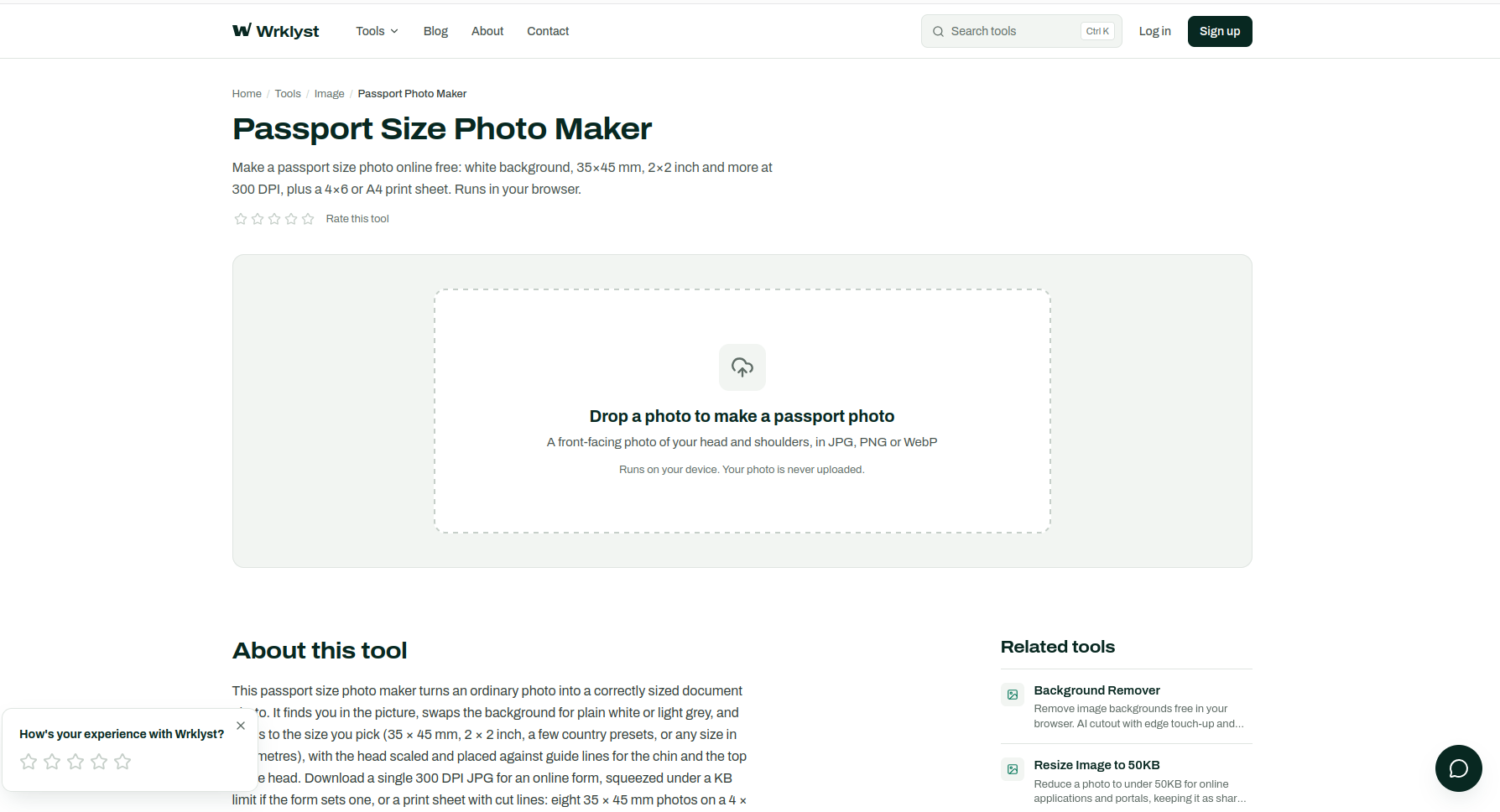
A passport size photo in India is 3.5 × 4.5 cm (35 × 45 mm), on a plain white background, with your face filling most of the frame. In the United States it is 2 × 2 inches (5.1 × 5.1 cm). Most of Europe, the UK and Australia use the same 35 × 45 mm as India, while Canada and China ask for their own sizes. This guide gives every common size in centimetres, inches, pixels and KB, explains what the photo itself has to look like, and shows how to make one at home and print eight copies on a single 4 × 6 sheet.
If you only need the photo, the free Passport Photo Maker does the cropping, background and print sheet for you, in your browser, without uploading the picture anywhere. The rest of this page explains what it is doing and why.
Passport size photo size at a glance
Sizes are written width × height. Pixel sizes are at 300 DPI, the standard resolution for printed photos.
| Document | Size in cm | Size in inches | Pixels at 300 DPI |
|---|---|---|---|
| India (most forms) | 3.5 × 4.5 cm | 1.38 × 1.77 in | 413 × 531 |
| US passport and visa | 5.1 × 5.1 cm | 2 × 2 in | 600 × 600 |
| UK passport, printed | 3.5 × 4.5 cm | 1.38 × 1.77 in | 413 × 531 |
| Schengen visa | 3.5 × 4.5 cm | 1.38 × 1.77 in | 413 × 531 |
| Canada passport | 5 × 7 cm | 1.97 × 2.76 in | 591 × 827 |
| China visa | 3.3 × 4.8 cm | 1.30 × 1.89 in | 390 × 567 |
Two things trip people up here. First, 3.5 × 4.5 cm and 35 × 45 mm are the same size written in different units, so a form asking for either wants the same photo. Second, if an Indian form says "passport size" without giving a number, it means 35 × 45 mm. For an Indian passport application itself, you normally do not bring a photo at all: it is captured at the Passport Seva Kendra during your appointment.
Passport size photo size in pixels
A photo has no fixed pixel size until you decide how many pixels go into each inch. That figure is the DPI (dots per inch), and the conversion is simple: pixels = millimetres ÷ 25.4 × DPI. At 300 DPI, 35 mm is 413 pixels and 45 mm is 531 pixels, which is why a 35 × 45 mm photo is 413 × 531 pixels. At 600 DPI the same photo would be 827 × 1063 pixels: the same physical size, just sharper.
Online application forms usually skip DPI entirely and state the pixel size they want, for example 200 × 230 pixels. When a form gives you pixel dimensions, those win over any rule of thumb. Make the photo at the right shape first, then use Resize Image to set the exact pixel width and height the form asks for.
Passport size photo size in KB
KB is not a photo size, it is a file size, and it depends on both the pixel dimensions and how hard the JPG is compressed. Forms set a KB limit to keep their servers fast, and it is the most common reason an otherwise perfect photo gets rejected at upload.
- If the form sets a maximum (for example "under 50 KB"), type that number into the maximum file size box in the Passport Photo Maker before downloading. It keeps the pixel size and lowers the JPG quality just enough to fit. For a photo you already have, Resize Image to 50KB and Resize Image to 20KB do the same job.
- If the form sets a minimum (for example "between 50 KB and 150 KB") and your file comes in under it, the honest fix is more pixels, not padding. Resize to the largest pixel size the form allows and save at high quality.
- Keep the format the form names. Almost every form wants JPG. A PNG of the same photo is several times larger and is often refused outright.
What a passport size photo must look like
Size is the easy part. Photos are far more often rejected for how they look, and the rules are close to identical everywhere because most countries follow the same ICAO standard for travel documents.
- Recent. Usually taken within the last six months, and still looking like you.
- Front facing, head straight. Look directly at the camera with your head level, not tilted or turned.
- Neutral expression. Eyes open, mouth closed. A broad smile is refused by most passport offices.
- Plain, light background. White for India, the US and China; cream or light grey is accepted for a printed UK photo. No patterns, no shadows, no other people or objects.
- Even light. No shadows across the face or behind the head, no glare, no red eye.
- Nothing covering the face. Hair away from the eyes, no hats or sunglasses. Glasses have not been allowed in US passport photos since 2016; other countries vary, so check yours.
- No filters or retouching. Beauty filters and heavy edits can get a photo refused because it no longer looks like you.
How big should the head be?
Every authority states a range for the head, measured from the bottom of the chin to the top of the head. In a 35 × 45 mm photo the ICAO guidance is 32 to 36 mm, about 70 to 80% of the photo's height, and the UK asks for 29 to 34 mm. A US 2 × 2 inch photo needs 1 to 1⅜ inches (25 to 35 mm). This is the measurement that home-made photos most often get wrong, usually with the head too small because the photo was cropped from a half-body picture. Official guidance is worth reading before you print: see the US Department of State photo requirements and the UK passport photo rules.
How to make a passport size photo at home
You need a phone, a plain light wall and about five minutes.
- Take the photo. Stand about a metre in front of a plain wall, facing a window so daylight falls evenly on your face. Ask someone to take the photo from eye level with the rear camera, from at least a metre away. Selfies at arm's length make the nose look bigger and the ears smaller, and that distortion is visible in a passport photo.
- Open the photo maker. Drop the picture on the Passport Photo Maker. The first time, it downloads a 4.4 MB cut-out model; after that it starts at once. Your photo stays on your device.
- Pick the size and background. Choose 35 × 45 mm, 2 × 2 in, one of the country presets, or type any size in millimetres. Leave the background on white unless your document asks for something else.
- Line up the head. The tool places the head automatically and draws a line for the top of the head and a shaded band for the chin. The placement is an estimate from your outline, so check it: drag the photo or use the zoom slider until the top of your head touches the line and your chin sits inside the band.
- Download. Choose a single photo for an online form, with an optional KB limit, or a print sheet for paper forms.
How to print passport size photos
Printing one photo at a time wastes money. A standard 4 × 6 inch photo print, the size every photo shop and kiosk prints, holds eight 35 × 45 mm photos or six 2 × 2 inch photos. An A4 sheet on a home printer holds 32 photos at 35 × 45 mm, with a margin for printers that cannot reach the edge of the paper.
- Print at 100% or "actual size". Never choose "fit to page" or "fill", which scales the sheet and makes every photo the wrong size.
- Check the size with a ruler before you cut. A 35 × 45 mm photo should measure exactly that.
- Use photo paper. Matte or glossy photo paper both work; plain office paper looks grainy and is often refused.
- Cut along the grey lines. The print sheet includes thin cut lines, which matter when a white background meets white paper.
The sheet from the photo maker also carries its 300 DPI resolution inside the file, so printing apps size it correctly instead of assuming a lower resolution and printing it three times too large.
How to change the photo background to white
If your photo was taken against a coloured wall or a cluttered room, the background has to go. The photo maker does this automatically: it finds the person in the picture with an on-device model and replaces everything else with white or light grey. Hair and loose strands are the hardest part, so the cleaner and lighter the original wall, the better the edges. For any other picture where you just want the background gone, the same model powers our Background Remover, and our guide on removing a background for free covers the manual touch-up tools.
Common reasons passport photos get rejected
- The head is too small or too large for the document's range.
- Shadows on the face or behind the head.
- A background that is not plain, or not light enough.
- The photo is blurry, pixelated or printed on plain paper.
- The file is over the form's KB limit, or not a JPG.
- The print was scaled, so the photo is not the stated size.
- Glasses, a smile, or hair covering the eyes where the rules forbid them.
Quick answers
Is 3.5 × 4.5 cm the same as 35 × 45 mm?
Yes. There are 10 millimetres in a centimetre, so they are the same size.
What is a stamp size photo?
In India, a stamp size photo is commonly 2 × 2.5 cm (20 × 25 mm), smaller than passport size. If a form asks for one, use the custom size option in the photo maker and enter 20 × 25 mm.
How many passport size photos fit on a 4 × 6 print?
Eight at 35 × 45 mm, laid out in two rows of four, or six at 2 × 2 inches.
Is it safe to make a passport photo online?
It depends on the tool. Many online photo makers upload your face to their servers. The Wrklyst Passport Photo Maker does all of its work in your browser, so the photo never leaves your device.
Once your photo is ready, you may also need to shrink scanned documents or signatures for the same form. Our guides on how to resize an image and compressing an image without losing quality cover both.
- #images
- #guides
- #passport-photo
Last updated
October 20, 2026